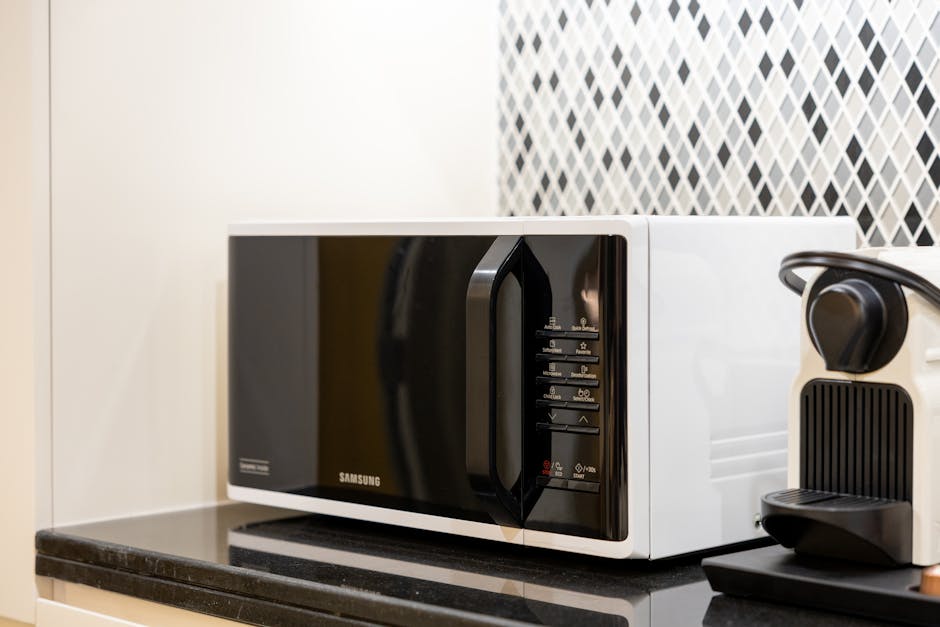
A microwave not heating is one of the most frustrating kitchen failures because everything else looks normal — the display lights up, the turntable spins, the fan whirs, you hear the timer count down — but the food comes out exactly as cold as when you put it in. Before you toss the unit or book a $130 appliance service call, give yourself 15 minutes. A microwave not heating is almost always one of five things: a door interlock switch that’s misaligned, a blown high-voltage thermal fuse, a worn-out magnetron tube, a control board stuck in “demo mode”, or a tripped outlet. Walk through the six checks below before spending a dollar.
Why a microwave not heating is rarely a “buy a new one” problem
Appliance techs see this complaint constantly, and the failure breakdown is remarkably consistent. Roughly 30% of every microwave not heating service call is a door interlock switch that’s slightly misaligned (the door looks closed but the safety interlock isn’t fully engaging). Another 25% is a thermal fuse or thermo-cutout that has opened after the unit briefly overheated. About 20% is the magnetron tube finally reaching end-of-life — the most expensive part on this list but still only $50 to $80. Around 10% is a high-voltage diode that’s failed short. About 10% is the control board sitting in showroom “demo mode” left on by a previous owner. And only the final 5% is a true control-board failure that justifies replacing the unit. The math is friendly: 95% of these calls are a sub-$80 repair.
Tools you actually need
- A Phillips screwdriver and a quarter-inch nut driver
- A digital multimeter ($15) with continuity beep
- A flashlight
- A microwave-safe cup with one cup of cold water (for the heating test)
- Insulated rubber gloves — capacitors in a microwave hold lethal charge even after unplugging
Safety note: Microwaves contain a high-voltage capacitor that can store 2,000+ volts for days after you unplug the unit. If you open the cabinet, you must short the capacitor terminals across an insulated screwdriver before touching anything inside. If that sentence makes you uncomfortable, stop at Step 3 and call a tech — this is the one DIY job where the warning is real.
Step 1: Confirm it’s actually a microwave not heating problem (and not demo mode)
Put one cup of cold tap water into a microwave-safe mug, place it on the turntable, set the unit to High for 2 minutes, and press Start. Healthy water comes out steaming hot — you should not be able to comfortably hold the mug. If the water comes out warm but not hot, the magnetron is weakening (Step 5). If the water comes out room-temperature, the magnetron is producing zero RF energy (Step 3 or 4). And before any of that: many modern microwaves ship with a “demo” or “showroom” mode that runs the display and fan but disables actual heating. The unlock combo is usually “press Start and 1 for 3 seconds” or “press 0, 7, 2, 4, Start” — check the underside of your unit for a tiny printed sticker that lists the code.
Step 2: Check the outlet and reset the breaker
Microwaves are 12-15 amp appliances and most kitchens run them on a dedicated 20-amp circuit. Plug a lamp or phone charger into the same outlet to confirm it’s hot. If the lamp doesn’t light, flip the breaker and reset the GFCI. The same logic we walk through for a dead outlet applies here word-for-word. A surprising share of microwave not heating calls turn out to be a tripped 20-amp breaker that the homeowner mistook for “the microwave is broken” because the display still worked through a leaky GFCI feed.
Step 3: Inspect and clean the door interlock switches
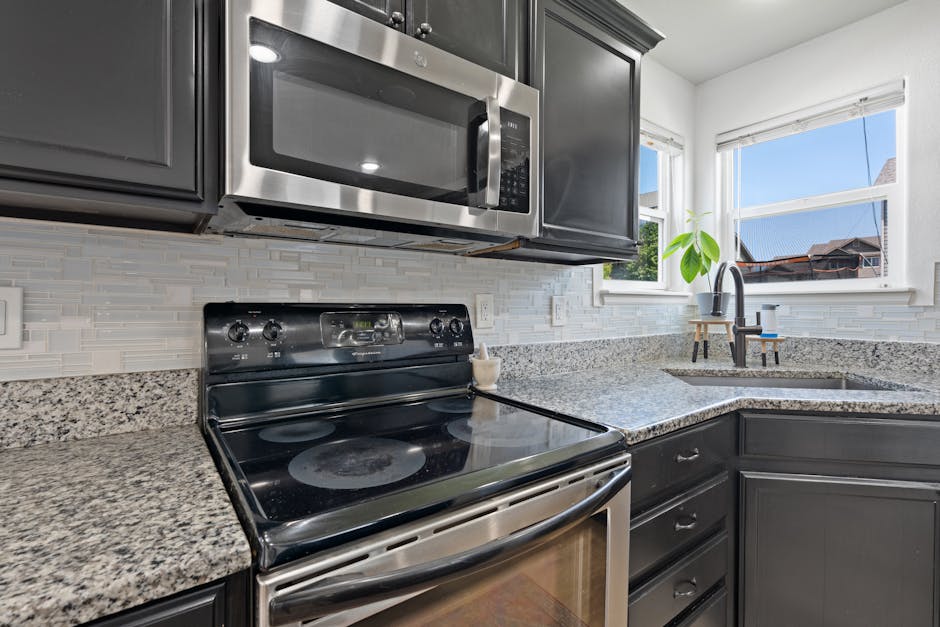
This is the single highest-payoff move for a microwave not heating diagnosis. Every microwave has three door interlock switches that all must close for the magnetron to fire. If any one of them is dirty, slightly bent, or out of alignment from a door slammed too hard, the unit will run everything else — lights, fan, turntable, timer — but never actually produce heat. Unplug the unit. Remove the screws holding the inner door frame (usually two or three Phillips on the latch side). Look at the three small plunger switches inside the latch cavity. Press each one with a fingertip — you should feel a crisp click. If one feels mushy, that’s your culprit. Clean them with a cotton swab and isopropyl alcohol, ensure the door hooks engage them squarely, and reassemble.
Step 4: Test the thermal fuse and thermo-cutout
If the interlock switches all click crisply but your microwave is still not heating, the next suspect is the thermal fuse. Microwaves have one or two one-shot thermal devices wired in series with the magnetron — they open when the cabinet temperature exceeds about 250°F (after the unit gets blocked vents or runs an empty load). Unplug the unit, discharge the capacitor (see safety note above), remove the outer cabinet (one screw on top and a few along the back), and locate the thermal fuses near the magnetron and on the cabinet ceiling. They look like small ceramic cylinders with two wire spades. Test each one with the multimeter on continuity: a healthy fuse beeps; a blown fuse reads open. A new fuse is $5 to $10 and a 5-minute swap. The FTC’s consumer guide on electrical appliances covers the broader safety logic.
Step 5: Check the high-voltage diode and the magnetron
If the fuses are good but your microwave is not heating at all, the failure has moved to the high-voltage circuit — specifically the diode or the magnetron tube. A failed diode will cause a humming or buzzing noise on Start with no heat; a failed magnetron will be silent with no heat but everything else normal. The diode is a $10 part. The magnetron is $50 to $80. Both are accessible after removing the cabinet but both sit next to that lethal capacitor — if you skipped the discharge step, stop now and call a tech. The pattern of failure here is similar to what you’ll see in an electric oven that won’t heat and the same component-by-component logic applies to a refrigerator that won’t cool.
Step 6: When to actually replace the microwave
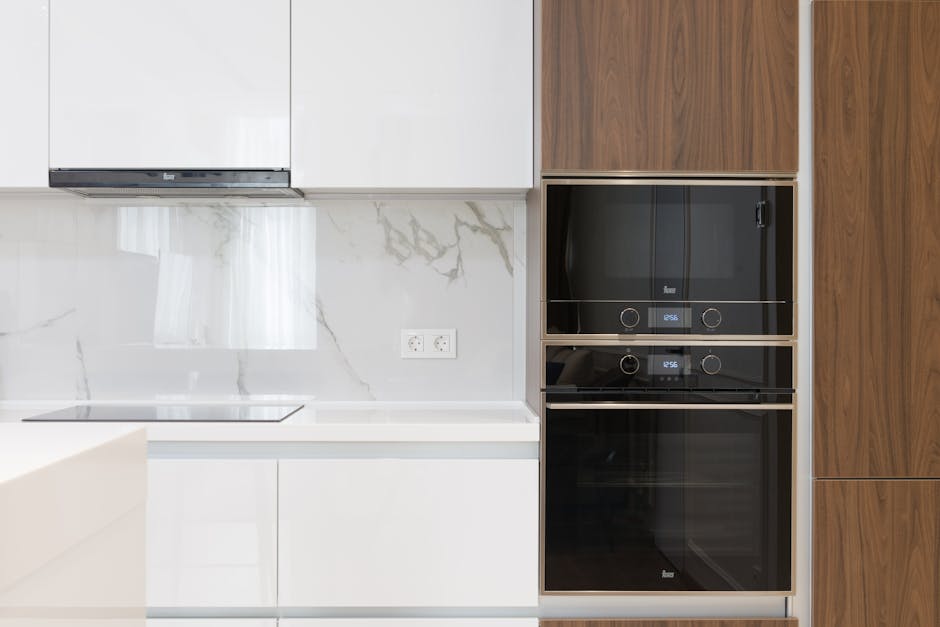
Replace the entire unit only if: the magnetron is bad on a microwave more than 8 years old (a new $50 magnetron in a 10-year-old cabinet rarely pays off), the cabinet shows arcing or burn marks inside the cooking chamber, the unit smells of ozone or burnt insulation, or any structural part of the door frame is bent so the interlocks no longer align. For an over-the-range model, also consider replacement if the cabinet rusts or the exhaust fan motor fails — both signal age-related decay that won’t stop at one repair. A new countertop microwave is $90 to $180; an over-the-range model is $250 to $450 plus install. The EPA’s recycling guidance reminds homeowners to recycle the old unit at a certified appliance recycler rather than tossing it.
One last habit: never run a microwave empty, never run it with a metal-trimmed dish, and clean the inside chamber once a month with a steam-and-vinegar bowl. Those three rules will keep nearly any microwave running long past its warranty and keep “microwave not heating” from becoming your problem in the first place. The cheapest repair is the one you prevent.
Aiden Brooks writes coverhub.fun’s home-appliance coverage, with a focus on the everyday breakdowns that prompt a $200–$300 service call when a no-cost fix would have worked just as well. His background in residential appliance service shows up in the structure of his guides: open with the failure pattern, walk through the cheapest checks first, and only get to parts replacement after every easy win has been ruled out.
Aiden focuses on dishwashers, garbage disposals, washing machines, dryers, and refrigerators — the workhorses that quietly drain household budgets when they go sideways. His recurring theme is that most ‘broken appliance’ verdicts are really a clogged filter, a kinked drain hose, a tripped thermal switch, or a piece of glass jammed in an impeller that sixty seconds with a flashlight can find. When a unit really is at end of life, he’ll tell you that too — and what to look for in a replacement.
Aiden also runs the appliance-safety editorial pass at coverhub.fun: every guide on his byline is reviewed against manufacturer safety guidance before going live. Reach him at editorial@coverhub.fun.